

Widget settings
Configure these settings in Settings → Widget in your admin dashboard.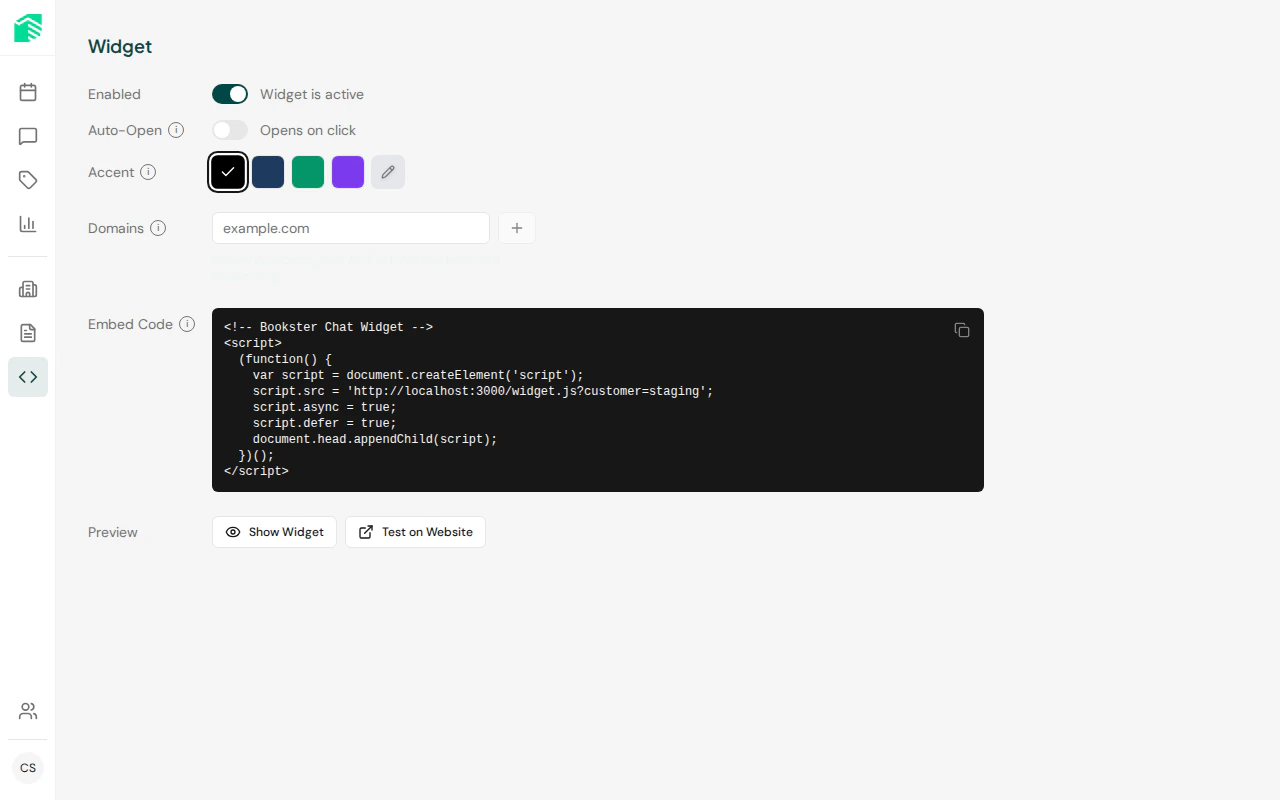
| Setting | Description | Default |
|---|---|---|
| Widget enabled | Master toggle — disables the widget on all domains when off | On |
| Auto-open | Automatically open the chat when a visitor loads the page | Off |
| Accent color | Hex color for the chat button, header, and send button | #000000 |
Accent color
The accent color is applied to:- The chat launcher button
- The chat header accent
- The send message button
- The initial greeting badge
#FF6B35, #004643).
Widget layout
The widget renders as a floating element in the bottom-right corner of the page.
| View | Size |
|---|---|
| Closed (button only) | 80 × 80px circle |
| Open (desktop) | 420 × 680px |
| Open (mobile, < 768px) | Full screen |
| Expanded | Full screen |